
Create Stunning
Moodboards in Seconds
An AI-powered moodboard maker, seamlessly built into WFX Fashion PLM. One intelligent canvas to capture the vision, explore possibilities, and define the direction of your collection.
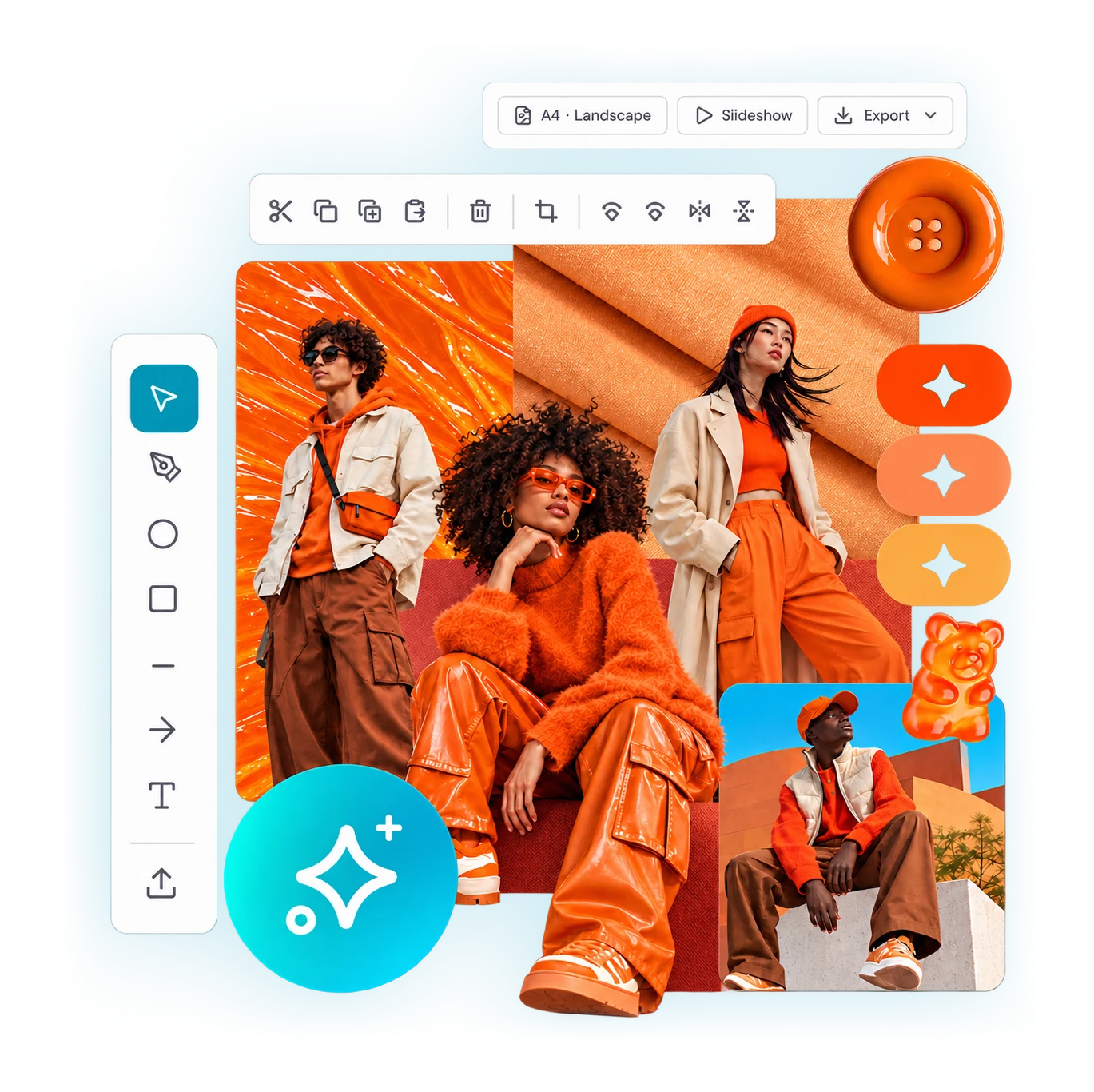
What is an AI moodboard maker?
An AI moodboard maker lets you create stunning moodboards in seconds. Instead of collecting references across scattered tools, you compose inspiration, product imagery, sketches and colour on one intelligent canvas, then use AI to combine, transform and generate new concepts.
Because it is built into WFX Fashion PLM, it is a creative ideation workspace, not another standalone tool. Search and reuse your own assets, keep the board connected to the collection and season, and move from inspiration to direction inside your fashion PLM workflow.
What WFX AI Moodboards does
Start from a blank page. Just ask.
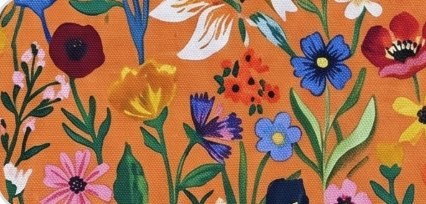
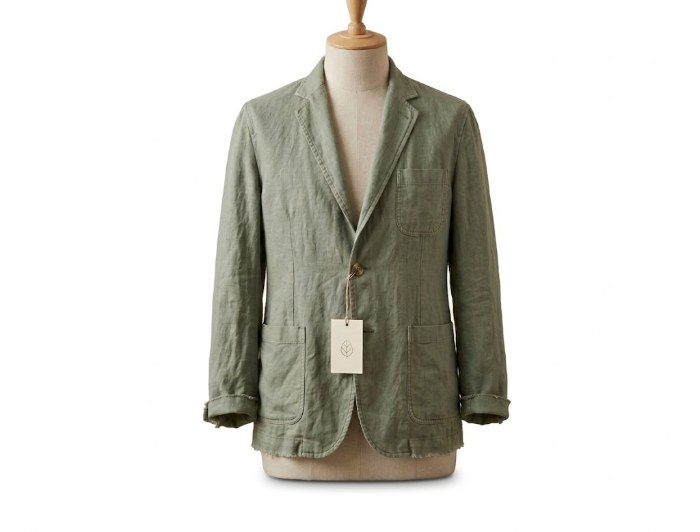
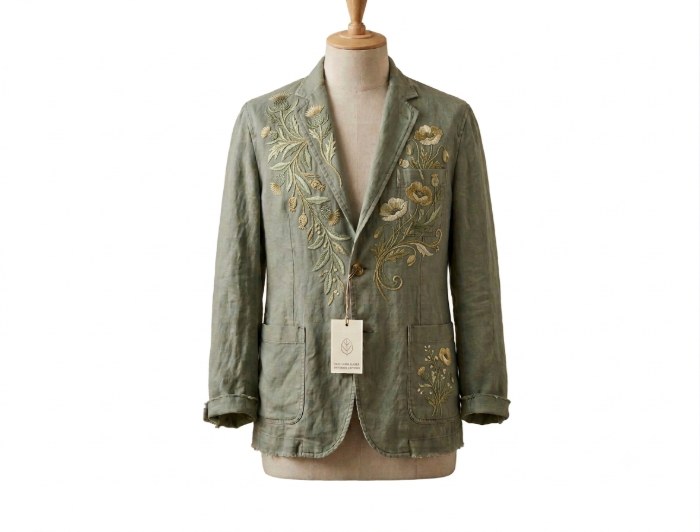
Generate a style, keep it as reference for variants, extract its Pantone story, then combine artwork from your PLM library, every step from one prompt bar.
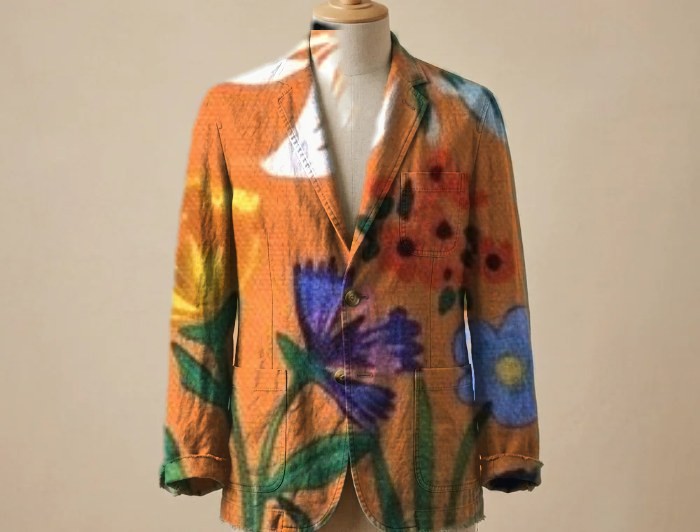 NEW
NEW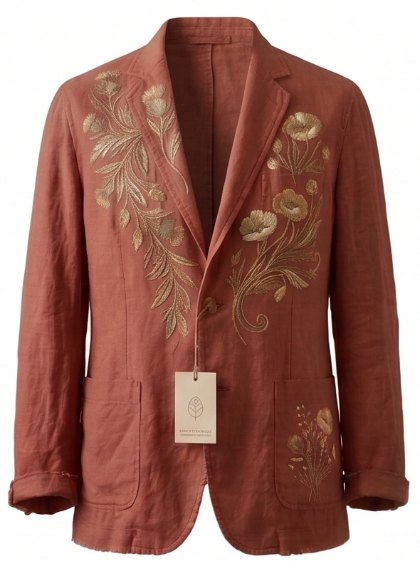
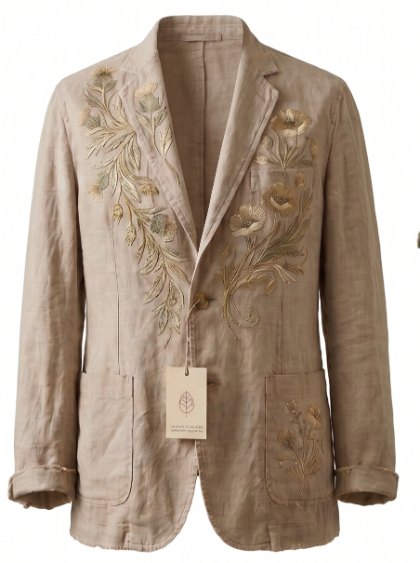
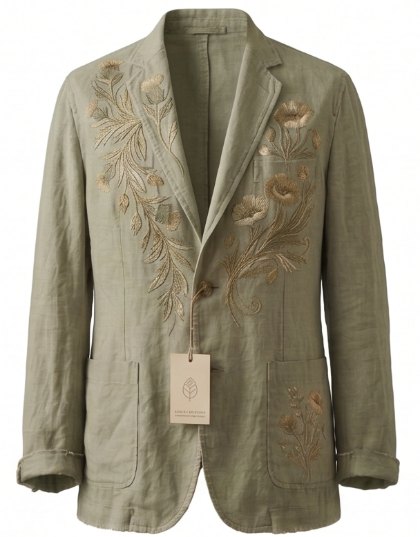
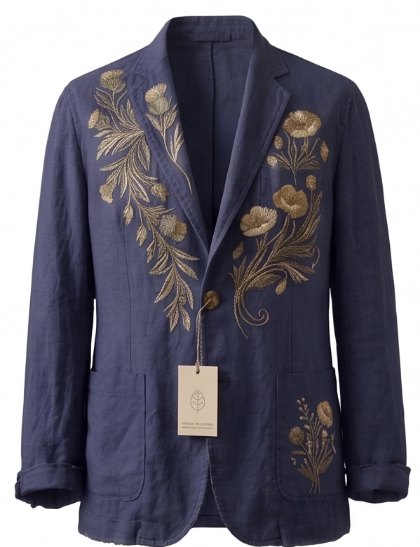 WILDFLOWER
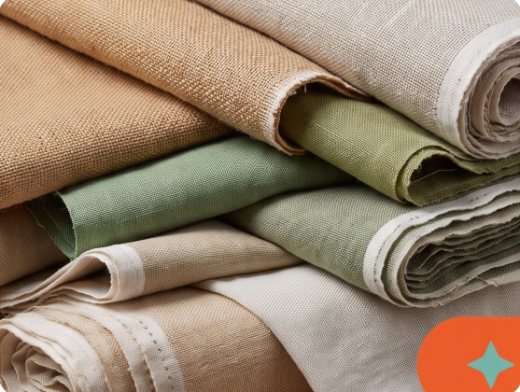 Style 014 variantsWildflower artworkNEWStyle 014 variantsWildflower
From inspiration to collection direction.
One intelligent canvas to capture the vision, explore the possibilities, and define the direction of your collection, without leaving WFX PLM.
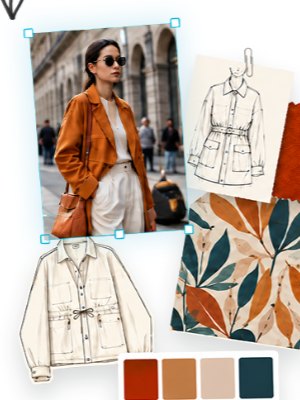
Pull in inspiration, colours, prints, materials, silhouettes and PLM assets, everything the season starts from, on one board.
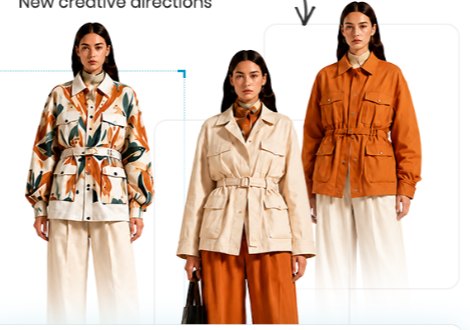
Ask for variations and new creative directions. WFX AI generates them on the same board, in context, from the references you selected.
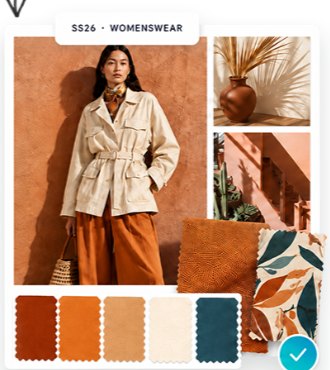
Lock the direction for the collection and season, and share one creative reference every team and vendor works from.
Bring your PLM assets into the creative process.
Every colour, print, fabric and style you already own is one search away, right beside the board you're designing on.
From inspiration to collection direction, connected to PLM.
Turn scattered references into a clear, shareable direction in minutes, with every colour, artwork and image pulled from and saved back to your PLM library.
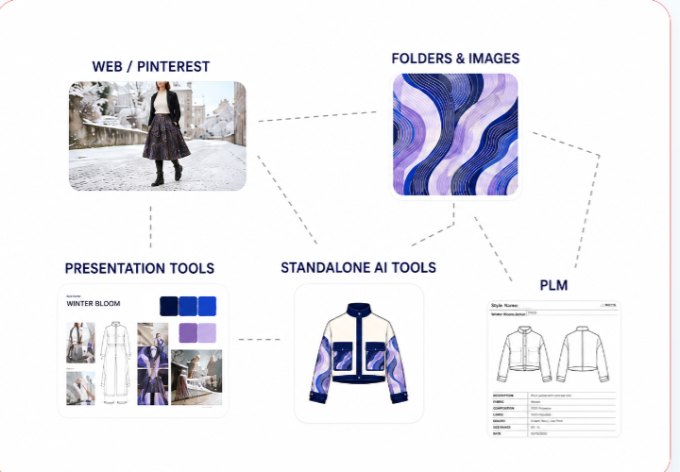
Context, assets and decisions scattered across Pinterest boards, folders, slide decks, standalone AI tools and PLM, none of them talking to each other.
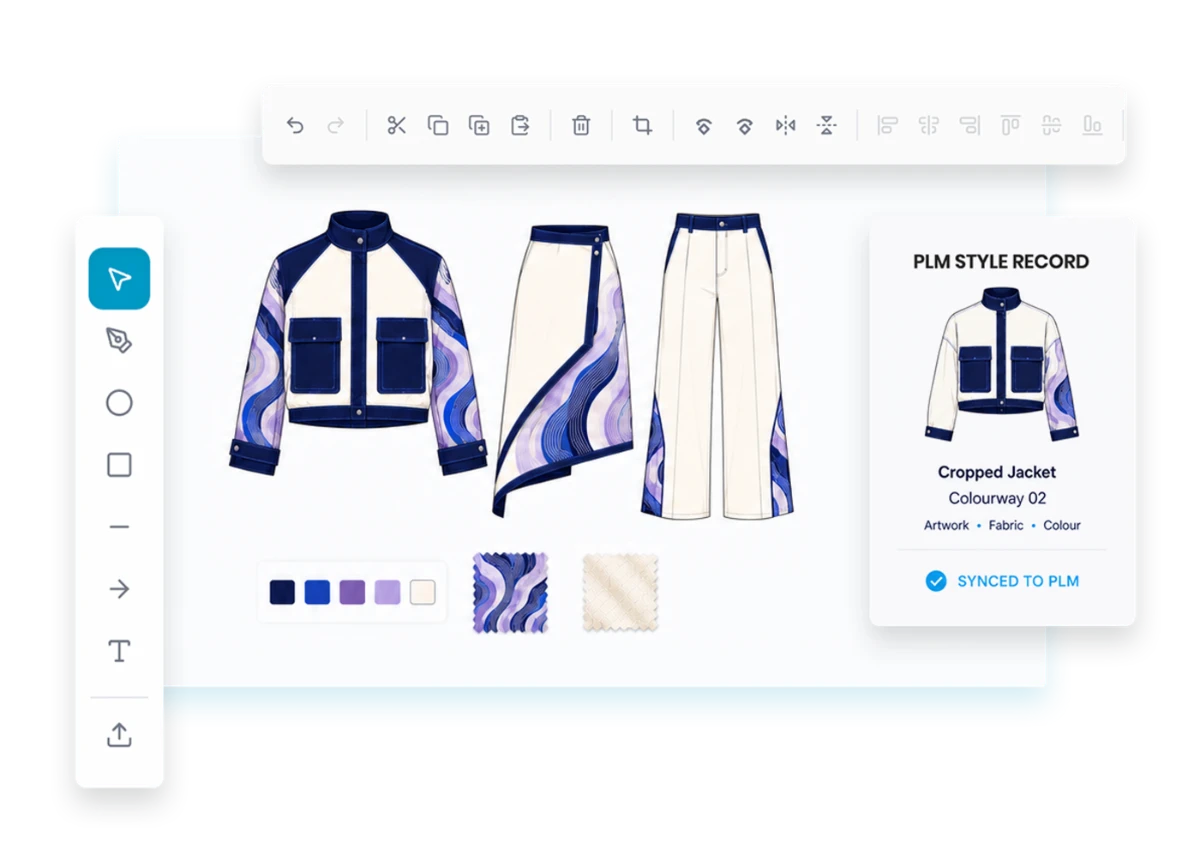
Inspiration, creative canvas, PLM assets and collection context in one place, every design synced back to its style record.
One creative workspace, for every team
Because moodboards live inside PLM, design, product and merchandising all work from the same inspiration, the same assets and the same collection direction.
For designers
- Create moodboards in seconds from a prompt
- Recolour, apply prints and try new silhouettes
- Keep inspiration and product side by side
For product & development
- Reuse existing assets and products from PLM
- Explore styles and products in new contexts
- Carry a chosen direction into development
For merchandising
- See the collection vision take shape early
- Compare directions before committing
- Keep the board aligned to collection and season
Prompt, Pick And Let
WFX PLM Do The Rest
Every design, colourway and Pantone stays linked to your styles in WFX PLM, with just a click.