Ask six things. Does data go both ways? Does the text on the artboard come across, or only a picture of it? How are versions and colorways handled? Is the rest of the PLM any good? Will it work with your ERP and e-commerce? And does it hold up on your own styles, not just the demo file? Nearly every PLM vendor lists Illustrator somewhere on its website, so don’t take the logo’s word for it. Get them to show you.
Does data move both ways?
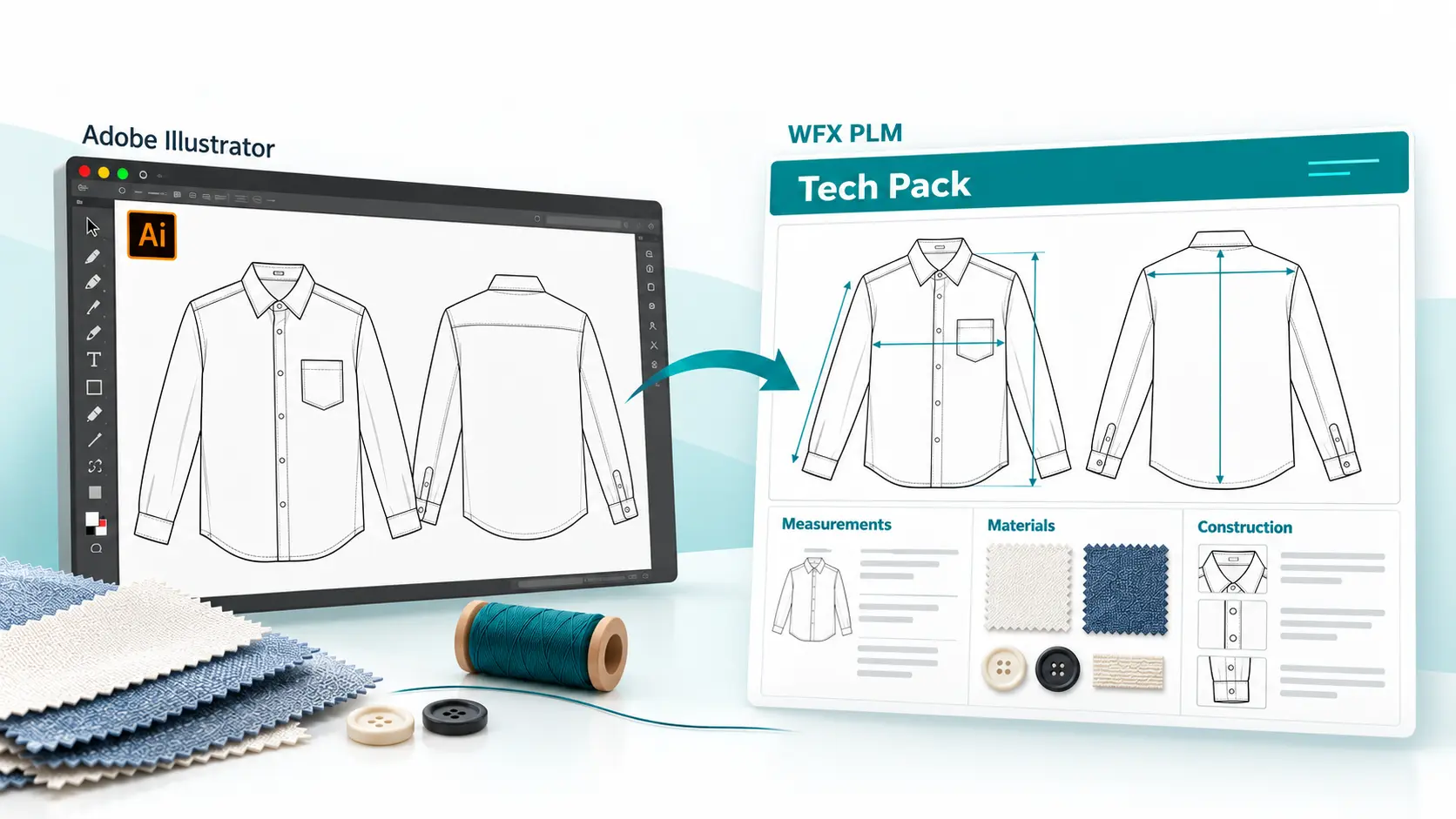
Some connectors only upload a file into PLM. Our favorite test: change a colorway in Illustrator, refresh the PLM record and see if it’s there. Then go the other way.
Does it pull data, or just pictures?
An image of a flat still leaves someone typing up the details. Check whether the connector reads text from the artboard into product fields.
How does it handle versions and colorways?
Your collections carry several versions of the same style. Check how artwork links to each colorway, and whether one change reaches every product that uses it.
What happens after the artwork lands?
A good plugin won’t rescue a weak PLM. You’ll be running tech packs, materials, costing, sampling and vendor collaboration in it every day, so that’s where most of your evaluation time should go.
Does it fit the rest of your stack?
Your PLM has to talk to your ERP and e-commerce too. Connecting Illustrator doesn’t replace or rewire your ERP. The connector links Illustrator to PLM, not to your ERP. If your PLM already feeds your ERP, approved style changes can flow on through that integration, so check how your PLM and ERP mapping and approvals are set up. Beyond Illustrator, WFX connects with Oracle NetSuite, Microsoft Dynamics and AIMS360. A Browzwear integration is in the works, and there’s an open REST API if you need something custom. See the full list on the WFX Integrations page.
Will it hold up on your own styles?
Bring your own files to the demo. A vendor’s sample jacket will always work; your real styles are the test. Choose one with a few artboards, a handful of colorways and a change made after approval, and follow it through.
Then get specific. Find out which fields really transfer, how far back version history goes, what happens when the same print sits on six different styles, and where someone still has to approve things by hand. Seeing your own designs go through it tells you far more than any integration feature list.

 AI Solutions
 Contact Us