Get an Exclusive Preview of the World's First AI Planner

Learn more
Fashion PLM with Adobe Illustrator Integration: How to Choose the Right One Adobe Illustrator for Fashion PLM

Fashion PLM with Adobe Illustrator Integration: How to Choose the Right One

11 mins read •

Designs in Adobe Illustrator. BOMs in Excel. Colorways in a spreadsheet nobody fully trusts. Multiply that across a few hundred styles, and by mid-season nobody knows which file is current. It’s exactly the gap a fashion PLM with Adobe Illustrator integration should close.

Adobe Illustrator is where your designers do their best work. Then the flat gets signed off, and the admin begins. Your tech team needs a style number, a BOM, a cost sheet and POMs on it before any vendor sees it, and none of that lives in an .ai file.

That handover is where time leaks. Designers retype what they already drew. Tech teams chase the latest artboard. Vendors cut from the wrong version.

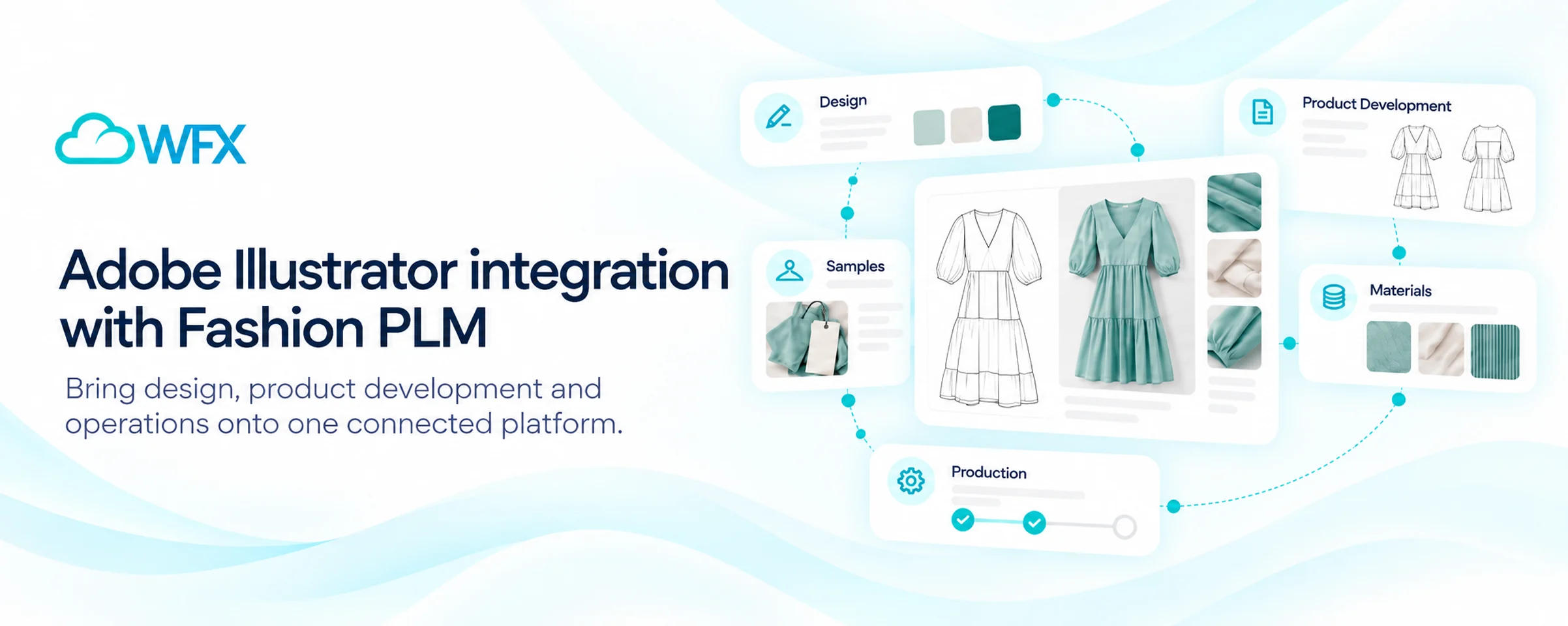
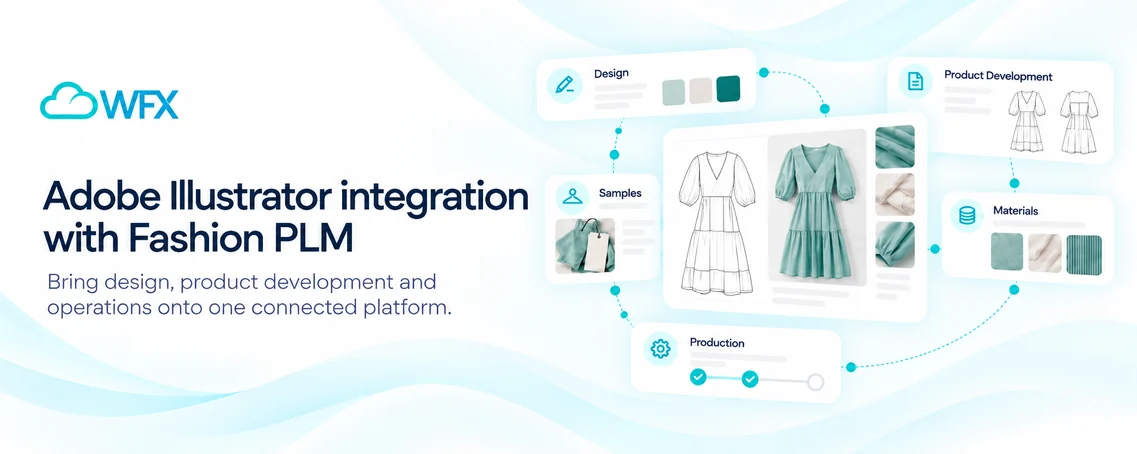
We built the WFX Adobe Connector for exactly this handover. Your designers stay in Illustrator. What they draw shows up in WFX on the style, ready for your merchandisers, tech designers and sourcing team.

Which Fashion PLM Software Integrates with Adobe Illustrator?

WFX Fashion PLM does. We built our own Adobe Illustrator connector, and it works in both directions: designers send artwork, colorways and specs from Illustrator into WFX, and pull PLM data back into their file. Which fields sync, and when, depends on how the connector is set up for your team.

Several fashion PLMs offer an Illustrator plugin (see how WFX compares). The question to ask is what actually comes across with the file, and whether edits flow back.

The WFX Adobe Connector works both ways. Your designer can keep refining artwork in Illustrator and send updates to the style in WFX, and product data from WFX can be pulled back into the file. During setup, we map which fields are covered and where approvals sit. For the full workflow, see the WFX Adobe Illustrator connector page.

The payoff grows with your line. If you run several drops a year, each with its own stack of colorways, that’s a lot of files to keep straight by hand.

What Can the WFX Adobe Illustrator Connector Do?

Here’s what the connector handles, and what each piece means for your team day to day.

Capability What it means for your team
Two-way sync Send artwork, colorways and specs from Illustrator into WFX, and pull PLM data back into your file.
Artboard import Bring an .ai file into WFX and its artboards and artwork come with it, ready for development.
Text extraction Text on the artboard fills the matching product fields, so nobody types it twice.
Style and colorway linking Every piece of artwork stays tied to the style and colorway it belongs to.
Artwork versioning Track each revision and see “where used,” so you know every product a change will touch.
Attribute search Find artwork by print, lace, embroidery and other attributes instead of digging through folders. Start in the artwork library.
Tech pack handoff Your tech team sees the artwork right next to the specs they’re building.

Why Does Adobe Illustrator Integration Matter for Fashion Brands?

Illustrator integration matters because designs keep moving after sign-off, and every tweak has to reach the style record before it reaches your vendor. Ask any tech designer how many flats make it to proto sample unchanged. A buyer wants the hem shorter. New colorways get added. Construction details get refined. When artwork and product data live in separate systems, each of those changes becomes admin.

Design changes shouldn’t mean more data entry

Picture a jacket a week out from line review, and the buyer asks for two more colorways. Usually somebody exports both, gives them file names that make sense to them, and uploads each one against the right style. With the connector, your designer sends the new colorways from Illustrator straight to the style. Your designer did that work once; nobody needs to do it again.

The right artwork matters as much as the right spec

If the tech pack gets built off last week’s flat, you usually find out at sampling, when the factory has followed construction notes that no longer apply. WFX keeps each version of the artwork on the style itself, and your tech team works from whichever one was approved.

Keep designers in Illustrator

Think of Adobe Illustrator as the sketchbook: flats, prints, artwork and every colorway your designer tries. Fashion PLM is the workroom, where that drawing picks up a style number, measurements, a BOM, costs, samples and sign-offs. Make designers work in both and the product data usually ends up half done. WFX leaves them in Illustrator and collects their artboards and text for them.

From Illustrator Flat to a Tech Pack Your Factory Can Build From

Your factory works from two documents. One shows them the garment, the other tells them how to make it, and when they don’t agree, the vendor picks one. You usually find out which at fit sample.

Take a plain woven shirt. The flat has the collar, placket, cuffs and pocket. The tech pack has everything else: fabric content, POMs, stitching, labels, trims. Keep them in different places (flat on the shared drive, spec in Excel) and somebody on your tech team ends up comparing the two every time anything changes.

This is where it pays off. Your Illustrator artwork lands on the WFX style record, and your tech designer builds the tech pack around it: POMs, BOM, construction details and vendor comments, all on one screen. Points of measure come with auto-grading and tolerances. Every BOM line carries its supplier and cost. Comments thread right on the spec, and versioning keeps your factories on the latest one.

That matters most at fit and proto review, when a design change also means a spec change. Both move together, on the same record.

Starting from an old PDF spec instead? WFX AI reads the PDF and fills in the POMs, BOM and construction notes for you. Your team just checks them.

Six Questions to Ask About a Fashion PLM's Adobe Illustrator Integration

Ask six things. Does data go both ways? Does the text on the artboard come across, or only a picture of it? How are versions and colorways handled? Is the rest of the PLM any good? Will it work with your ERP and e-commerce? And does it hold up on your own styles, not just the demo file? Nearly every PLM vendor lists Illustrator somewhere on its website, so don’t take the logo’s word for it. Get them to show you.

Does data move both ways?

Some connectors only upload a file into PLM. Our favorite test: change a colorway in Illustrator, refresh the PLM record and see if it’s there. Then go the other way.

Does it pull data, or just pictures?

An image of a flat still leaves someone typing up the details. Check whether the connector reads text from the artboard into product fields.

How does it handle versions and colorways?

Your collections carry several versions of the same style. Check how artwork links to each colorway, and whether one change reaches every product that uses it.

What happens after the artwork lands?

A good plugin won’t rescue a weak PLM. You’ll be running tech packs, materials, costing, sampling and vendor collaboration in it every day, so that’s where most of your evaluation time should go.

Does it fit the rest of your stack?

Your PLM has to talk to your ERP and e-commerce too. Connecting Illustrator doesn’t replace or rewire your ERP. The connector links Illustrator to PLM, not to your ERP. If your PLM already feeds your ERP, approved style changes can flow on through that integration, so check how your PLM and ERP mapping and approvals are set up. Beyond Illustrator, WFX connects with Oracle NetSuite, Microsoft Dynamics and AIMS360. A Browzwear integration is in the works, and there’s an open REST API if you need something custom. See the full list on the WFX Integrations page.

Will it hold up on your own styles?

Bring your own files to the demo. A vendor’s sample jacket will always work; your real styles are the test. Choose one with a few artboards, a handful of colorways and a change made after approval, and follow it through.

Then get specific. Find out which fields really transfer, how far back version history goes, what happens when the same print sits on six different styles, and where someone still has to approve things by hand. Seeing your own designs go through it tells you far more than any integration feature list.

Why WFX Fashion PLM for Adobe Illustrator?

WFX has built software for fashion for more than 25 years. WFX Fashion PLM is a good fit for growing, mid-market and enterprise brands, especially once you’re handling hundreds of styles a season and working with factories in several countries. Aditya Birla, Zivame, SKIMS, Steve Madden and Everlane all use it, and they’re among 1,000+ apparel businesses on WFX across 50+ countries.

What results have brands seen with WFX PLM?

Forever New is a good example: a Melbourne label with more than 250 stores across seven countries. It runs product development and purchasing on WFX, and according to its published customer story, it cut lead times from concept to final production by 40%.

To be clear, that number comes from the wider WFX PLM rollout, not the Illustrator connector on its own. It’s a good reminder to judge a PLM on the whole development process, not one design feature.

The connector works both ways

WFX connects artwork to product records, not just files. Your designers stay in Illustrator, and data moves both ways between the file and the style.

Built for fashion, not bolted on

Things like seasons, colorways, fit types, lab dips and POMs come built in. You won’t spend your implementation setting up custom fields for basics your team talks about every day.

Your factories on the same screen

Vendors quote RFQs, comment on tech packs and upload inspection photos through the WFX Vendor Portal, so there’s never a stale PDF floating around email.

Live in weeks, secure by design

Most brands are live in 8 to 12 weeks. Our team does the configuration, moves your data over and trains your users. And if your IT lead is reading over your shoulder: yes, we’re ISO 27001 certified.

FAQs

Which fashion PLM software integrates with Adobe Illustrator?

WFX Fashion PLM does. We built our own Adobe Illustrator connector, and it works in both directions: designers send artwork, colorways and specs from Illustrator into WFX, and pull PLM data back into their file. Which fields sync, and when, depends on how the connector is set up for your team.

Why do you need fashion PLM if you already use Illustrator?

Think of Adobe Illustrator as the sketchbook: flats, prints, artwork and every colorway your designer tries. Fashion PLM is the workroom, where that drawing picks up a style number, measurements, a BOM, costs, samples and sign-offs.

Can edits go from WFX back into Illustrator?

The WFX Adobe Connector works both ways. Your designer can keep refining artwork in Illustrator and send updates to the style in WFX, and product data from WFX can be pulled back into the file. During setup, we map which fields are covered and where approvals sit.

Can you use Illustrator artwork in WFX tech packs?

Your Illustrator artwork lands on the WFX style record, and your tech designer builds the tech pack around it: POMs, BOM, construction details and vendor comments, all on one screen.

What should you ask a PLM vendor about Illustrator integration?

Ask six things. Does data go both ways? Does the text on the artboard come across, or only a picture of it? How are versions and colorways handled? Is the rest of the PLM any good? Will it work with your ERP and e-commerce? And does it hold up on your own styles, not just the demo file?

Will connecting Illustrator affect your ERP?

Connecting Illustrator doesn’t replace or rewire your ERP. The connector links Illustrator to PLM, not to your ERP. If your PLM already feeds your ERP, approved style changes can flow on through that integration, so check how your PLM and ERP mapping and approvals are set up.

Where This Leaves Your Design Team

Your designers are already good at Illustrator, and better product data shouldn’t come at the cost of making them work differently.

With WFX, they keep drawing in Illustrator and the rest of the team gets a style record they can trust. Fewer files moving around. Fewer versions to chase. More time on the line itself.

Want to see it on one of your own styles? Book a demo and we’ll walk you through it, or read more about the Adobe Connector.

Read Our Blogs

Fashion PLM Implementation Guide: From Planning to Go-Live

A practical guide to fashion PLM implementation, from planning and data migration to go-live.

Read More
Best PLM Software for a $100M Apparel Brand in 2026

Discover the best PLM software for $100M apparel brands, comparing features, integrations, implementation, and costs.

Read More
Top 9 Apparel ERP Solutions Software in the World for 2026

Compare eight apparel ERP platforms by industry fit, manufacturing capabilities, pricing, deployment and scalability.

Read More