Apparel and Textiles Warehouse Management System (WMS): From Fabric Rolls to Finished Goods

Learn moreright arrow

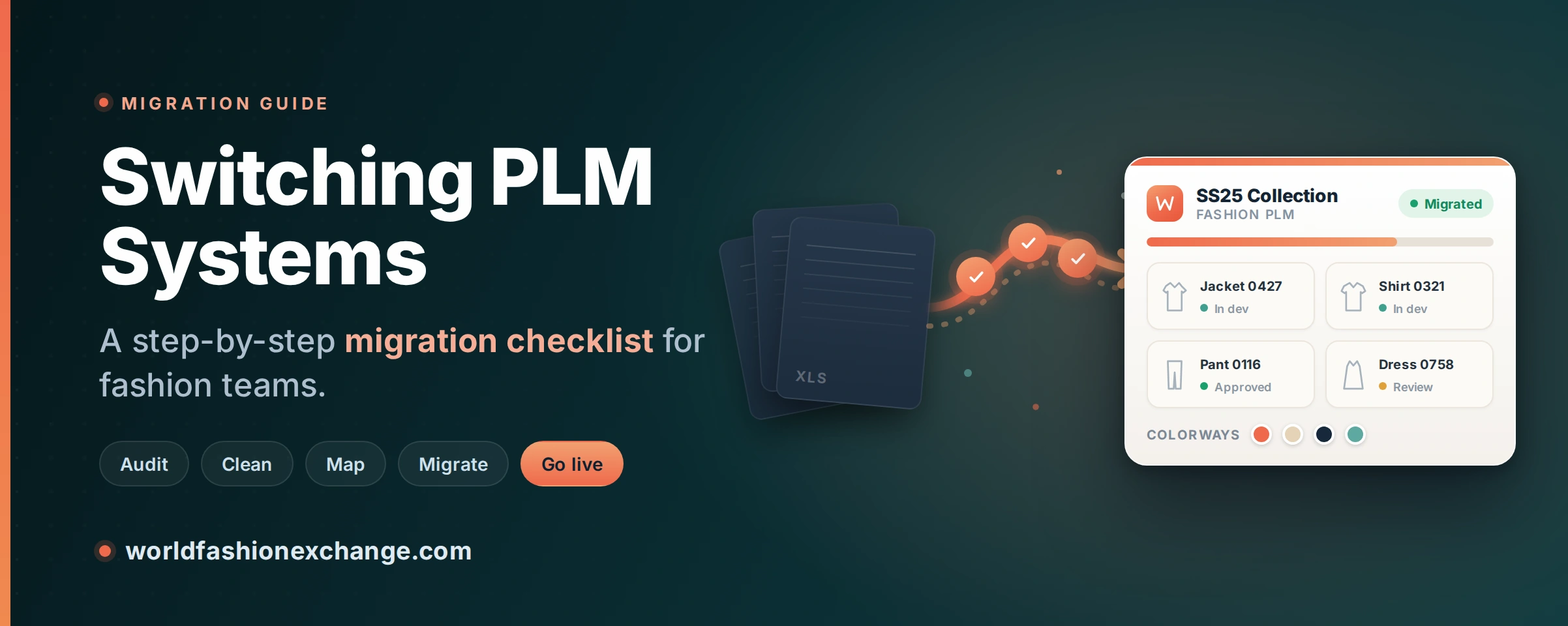
Switching PLM Systems: A Migration Checklist for Fashion Teams

14 mins read • 14th, Jul 2026

Introduction

Changing the software that runs your product development is one of the biggest calls a fashion team makes, and usually the most nerve-wracking. The same worry sits under every switch: “Can we move without losing our data or stalling a season?” 

You can. The trick is doing it in the right order. Think of what follows as the checklist we wish brands had in front of them before they started. It covers when to make the move, how to win the argument internally, what the migration actually involves week by week, which data to bring across and which to leave behind, the traps that snag most teams, and how to spot a system that won’t fight you on the way in. No fluff, and no pretending the hard parts aren’t hard. 

Key takeaways

  • Switch once the workarounds cost you more than the switch would. Think broken version control, a tool that buckles as you grow, or an enterprise system nobody wants to open. 
  • The risk lives in your data, not the tool. Tidy it up and narrow the scope before you start, and most of the horror stories never happen to you. 
  • Bring over live seasons first and archive the rest. Trying to haul ten years of history across on day one is how these projects grind to a halt. 
  • Give the planning real time. McKinsey research on large technology programs found two out of three regularly exceed their budgets or schedules. A PLM migration is smaller, but plan with buffer all the same. 
  • A cloud PLM built for fashion moves in more cleanly than a general-purpose one bent into shape for apparel. Colorways, fits, trims, seasons, and lab dips are already there as real objects, so there’s less to rebuild. 

When is it time to switch your PLM?

Most teams don’t go looking for a new PLM out of curiosity. They switch because the setup they have has quietly started costing them time, money, or accuracy. The signs tend to look like this: 

  • Spreadsheets and email threads have stopped scaling. A spec gets updated, the new file never reaches the factory, and units get cut wrong. Someone is forever chasing “the latest version” across inboxes, WhatsApp, and WeChat. 
  • Your starter tool can’t keep up. It handled a small line beautifully. Hundreds of styles, more hands on each one, a growing vendor base? That’s where it starts to creak. 
  • Your enterprise system is too heavy. Long implementations, paid consultants for every small change, and an interface your creative team quietly refuses to open. 
  • Costs and gaps are piling up. Per-supplier fees, no landed costing, no clean way to track compliance and sustainability data like Digital Product Passport requirements. 

If two or more of those ring true, it’s worth costing out a move. The trigger is rarely one dramatic failure. It’s the slow pile-up of workarounds finally tipping the scales. 

And the upside is worth the effort. Dataintelo’s 2026 fashion PLM market report points to time-to-market gains of around 20-30% for brands running integrated PLM instead of spreadsheets, plus 15-25% lower development costs. That’s a lot riding on getting the switch right. 

Build the business case before you shop

Before you sit through a single demo, get honest about why you’re moving and what “better” actually looks like once you can measure it. Two things come out of that. The project stays focused, and you build the internal support you’ll lean on when the work gets tedious. 

Put numbers on the pain. How many hours a week disappear into hunting down files or rebuilding tech packs? How often does a production mistake trace back to an old spec someone forgot to resend? What are per-supplier fees and re-shipped samples costing you across a year? You don’t need precision here. Even ballpark figures turn “this is frustrating” into a case people can’t argue with. 

Next, decide up front how you’ll know it worked. Faster time-to-market, fewer version mix-ups, less manual data entry, lower sampling spend. Those are the usual targets, and the gains can be real. Brands often report cutting physical sampling by somewhere between 30 and 50% once a PLM is running. Write down where you stand today, because that’s the only way you’ll prove the switch paid off later. 

And put one person in charge. Migrations lose steam the moment nobody owns them. That person doesn’t have to be technical. They just have to understand how your product development really runs, day to day, not how the org chart says it does. 

How long does a PLM migration take?

A focused, cloud-based migration can be live in a few weeks. A heavily customized enterprise rollout can drag on for months. What separates the two usually isn’t the software at all. It’s how clean and well-scoped your data is before anyone touches it. 

A tight migration tends to fall into four stretches. Roughly a week to export your data and map the fields. Another to import it and configure the system. A third for training, ideally with the old process still running alongside. Then a final push for supplier onboarding and go-live. Bigger or messier operations stretch every one of those, but the order holds. And the teams that only bring over active seasons, cleaned up first, finish well ahead of the ones trying to move everything at once. 

How much does a PLM migration cost?

There are four cost buckets: the subscription itself, implementation and data-migration fees, integration work, and the internal time your team pours in during the changeover. The ones that sting are the charges you don’t see coming. Per-supplier fees that swell as your vendor list grows. Paid support tiers. Add-on modules for things you assumed were standard. Consultant invoices every time you want to tweak the configuration later on. 

So during evaluation, ask every vendor flat out what’s included and what gets billed on the side. Then run the numbers for the team you’ll be in two years, not the one you are now. Weigh all that against what you get back: no more per-supplier fees, fewer expensive production mistakes, fewer sample rounds, and a team that spends its days on product instead of admin. Most brands make the money back inside a season or two. Just plan the thing properly. Overruns are common across software projects of every size, and with a PLM migration the culprit is almost never the software itself. It’s rushed data prep, or a scope that got too greedy. 

What data should you actually migrate?

You don’t need to move everything. Really, you shouldn’t. Here’s the low-risk way to think about it: 

  • Bring over first: your current and recent seasons. Styles, tech packs, BOMs, costs, your material and trim libraries, and the supplier records you actually touch every week. 
  • Archive instead of migrating: the dead styles and old seasons nobody opens anymore. Keep them somewhere tidy you can dig into if you ever have to, rather than dragging the clutter forward. 

Hauling a decade of archives across on day one is the classic way a migration turns slow and messy. And it’s usually unnecessary. Old records, BOMs and costs and specs included, can almost always be imported later if a real need shows up. Start lean, and your team gets to learn the system on the styles that matter this season. 

The step-by-step migration checklist

1. Audit where your data lives

Your data is scattered everywhere. Shared drives, personal laptops, WhatsApp threads, the old PLM, and a pile of Excel tech packs. You can’t move what you can’t find, so track down every source first. Then make the calls nobody enjoys making: when the same style turns up in three places with three different measurements, which version wins?

2. Clean and standardize before you import

Use the switch as an excuse for a proper clean-up. Line up your color codes, sort out your size matrixes, agree on naming conventions, and clear out duplicate materials and trims. A new system won’t magically fix messy data. It’ll just help you find the mess faster. It’s the least glamorous step in this whole guide, and also the one that decides how smooth everything else feels.

3. Map your real workflow

Map how a style really moves through your team today, from concept to tech pack to sampling, costing, approval, PO, and finally production. Mark who signs off at each gate and where things tend to sit for days. That map becomes the blueprint you configure the new system around. It also has a habit of exposing broken steps you’ll want to fix on the way, not faithfully rebuild.

4. Export and map your fields

Pull your old data into structured files, CSV or Excel, then match each field to its home in the new system. This goes a lot smoother when the platform already speaks fashion, with colorways, fits, trims, seasons, and lab dips built in rather than something you cobble together from custom fields. Every field you have to invent is one more spot where data can break on the way across.

5. Set up your integrations

Hook up whatever needs to talk to your PLM: your ERP, your design tools, your online store. The goal is for finished BOMs and approved styles to flow through on their own, without anyone copy-pasting between tabs. Lean on open APIs and connectors that already exist and have been tested. Custom integration work is where timelines and budgets quietly explode.

6. Bulk import and validate

Bulk upload or push it through the API, then check the work properly. Did the BOMs come over? The costs, the images, the attachments? Run your testing on a real style going through a real approval, not some placeholder record that behaves too nicely. This is the last time catching a problem is cheap.

7. Train by role and run in parallel

Train people on the workflow they’ll actually touch. A designer, a merchandiser, and a production manager all open the same system and need completely different things from it. Where you can, keep the old process running next to the new one for a little while. For most teams a short parallel run is far kinder than flipping a switch overnight and hoping.

8. Onboard suppliers and go live

Get your vendors onto the platform, and don’t treat this as an afterthought. It’s where older migrations tend to stall out. Time your go-live for the start of a season rather than the middle of production, so the changeover isn’t wrestling with live orders. 

The mistakes that cause most migration pain

  • Carrying over messy data. Duplicates and inconsistent naming hobble the new system from day one. Clean first. 
  • Migrating everything at once. Start with what’s live and archive the rest. 
  • Choosing a PLM that won’t integrate. If it can’t push approved styles and BOMs into your ERP, you’ve just built a new bottleneck. 
  • Leaving the creative team out. Designers walk away from software that feels stiff and corporate. What wins them over is a visual, intuitive interface and training that shows how much dull admin, like hand-formatting Excel tech packs, simply disappears. 
  • Underestimating supplier re-learning. Your vendors are part of this migration too. Free portal access and clear onboarding keep them productive from week one. 
  • Nobody owning it. With no single person accountable for momentum, projects drift and lose the goodwill they started with. 

How to choose a PLM that's easy to migrate onto

When you’re comparing options, the questions that actually predict a smooth switch are less about feature lists and more about fit and support: 

  • Was it built for fashion, or bent to fit it? General-purpose PLMs, born in multi-industry engineering, make you rebuild fashion basics as custom fields. More mapping, more things to break. Ones built for fashion move in more cleanly and talk in the language your team already uses. 
  • Is it cloud-based? No hardware to install or host means faster setup, less IT overhead, and access for distributed teams and factories anywhere. 
  • Who does the migration work? Ask straight out: do you map and import the data, or does the vendor’s team? Are BOMs, costs, and specs fully importable? 
  • How are suppliers onboarded, and what does it cost? Free vendor access and quick onboarding matter as much as anything on your side of the fence. 
  • What does support look like once you’re live? Not the attentiveness of the sales cycle, but what comes after it. A named contact you can actually reach makes a real difference through the first few seasons. 
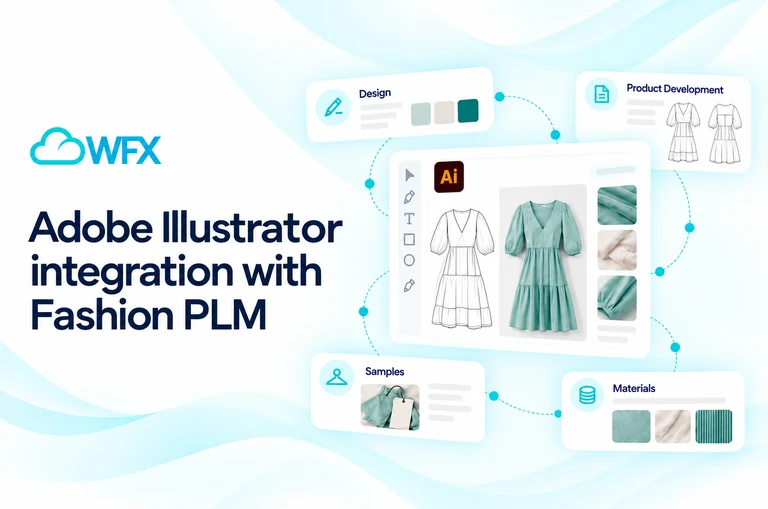
  • How well does it plug into your ERP and design tools? Ready-made connectors for your ERP and for design tools like Adobe Illustrator, CLO3D, or Browzwear beat paying for custom integration every single time. 

Migration checklist

Before you commit 

  • Built the business case with real numbers and success metrics 
  • Named an internal project owner 
  • Located every data source and identified the source of truth 
  • Chosen scope: active/recent seasons first, archive the rest 
  • Standardized color codes, size matrix, naming, material/trim libraries 
  • Mapped your real workflow and approval points 
  • Confirmed who handles data mapping, import, supplier onboarding, and post-go-live support 

During migration 

  • Cross-functional team assembled (design, dev, sourcing, production, IT) 
  • Legacy data exported to structured files 
  • Fields mapped; roles, templates, approvals configured 
  • ERP, design tools, and store integrations connected 
  • Bulk import completed and validated 
  • User acceptance testing run on real scenarios 

Go-live 

  • Role-based training delivered 
  • Parallel run completed 
  • Suppliers onboarded 
  • Cutover timed to the start of a season 
  • Support line open and adoption monitored 

Frequently asked questions

How long does a fashion PLM migration take?  

A focused, cloud-based migration can be live in a few weeks. A heavily customized enterprise rollout can take several months. What moves the needle most is how clean and well-scoped your data is before you begin. 

Will I lose my historical data? 

No, not if you plan for it. Move your active seasons into the new system and keep the older material in a clean archive you can still get to. If you ever need the history back, BOMs, costs, specs and all, it can usually be imported later. 

How much does a PLM migration cost?  

You’re paying for the subscription, implementation and data-migration fees, integration work, and your own team’s time. Watch for the sneaky charges, like per-supplier fees and paid support tiers, and price it for the size you’ll be in two years rather than the size you are today. 

Can I keep my ERP and design tools?  

Usually, yes. What matters is whether the PLM has open APIs and connectors that already exist for the ERP and design tools you’re running. When it does, you skip the whole cost of building those integrations yourself. 

How do I get my factories to switch?  

Go with a platform that gives suppliers free, no-fuss portal access, then run them through a quick onboarding. Vendors usually come around fast once they can pull the tech packs they need straight from the system, instead of emailing you for the latest version. 

When is the best time to go live?  

Aim for the start of a new season. You really don’t want the changeover landing mid-production, where it ends up fighting with orders that are already moving. 

A final word

Switching PLMs is a project, not a leap of faith. Make the case, find your data and clean it, move what’s live, connect what matters, and choose a system built for the way fashion teams really work. Handle it in that order and the switch stops being scary. It turns into one of the biggest efficiency wins your product team lands all year. 

At WFX, we’ve spent since 2000 building PLM for one industry: fashion. The WFX team handles the configuration, the migration, and the training in-house, which is how most brands get up and running in weeks instead of months. And fashion was never an afterthought here. Colorways, fits, trims, seasons, and vendor collaboration have been part of the system from day one. Thinking about a move? Book a WFX demo and we’ll map out a realistic migration timeline for your setup. 

Read Our Blogs

...
Why Fashion Brands Need an Industry-Specific ERP Instead of a Generic One

Fashion ERP vs. Generic ERP: Why Apparel Brands Need Specialized Software

Read More
...
Leveraging PLM for efficient fashion product development

Enhancing fashion product development with efficient Fashion PLM utilization and optimization.

Read More
...
How PLM Software Helps Fashion Brands Reduce Time-to-Market (2026 Guide)

See how Fashion PLM software helps apparel brands reduce time-to-market by 30–35% in 2026.

Read More